
Fixed Income
VETA provides a fixed income analytics suite for government and corporate bond traders.
FI Trading workspace
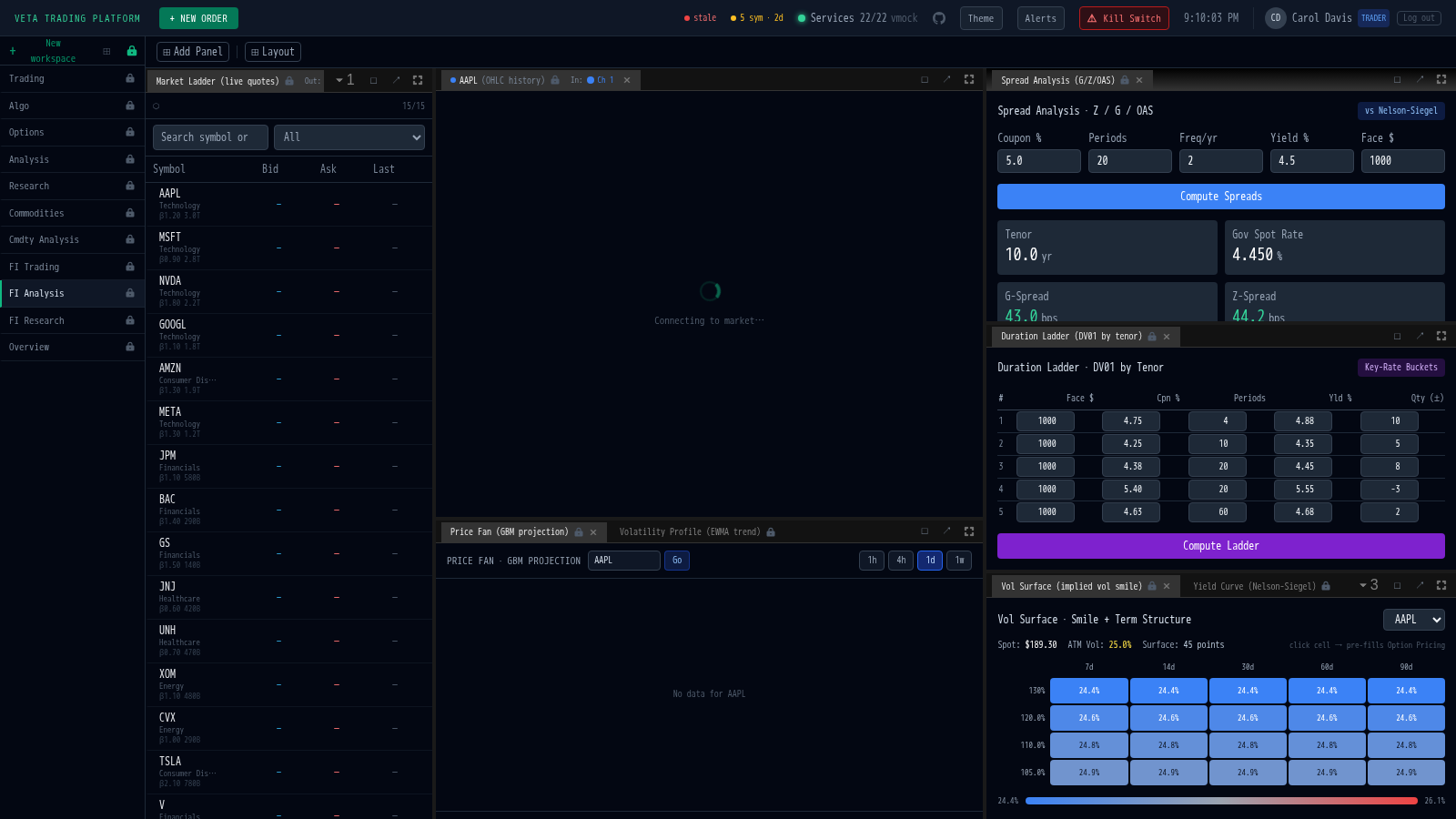
Section titled “FI Trading workspace”FI traders (trading style: fi_voice) land on the FI Trading workspace by default, which includes:
- Yield Curve panel
- Spread Analysis panel
- Duration Ladder panel
- Vol Surface panel
Navigate to this workspace via ?ws=ws-fi-trading or select it from the workspace picker. A separate ws-fi-analysis workspace is available for deeper credit and curve research.
Yield Curve
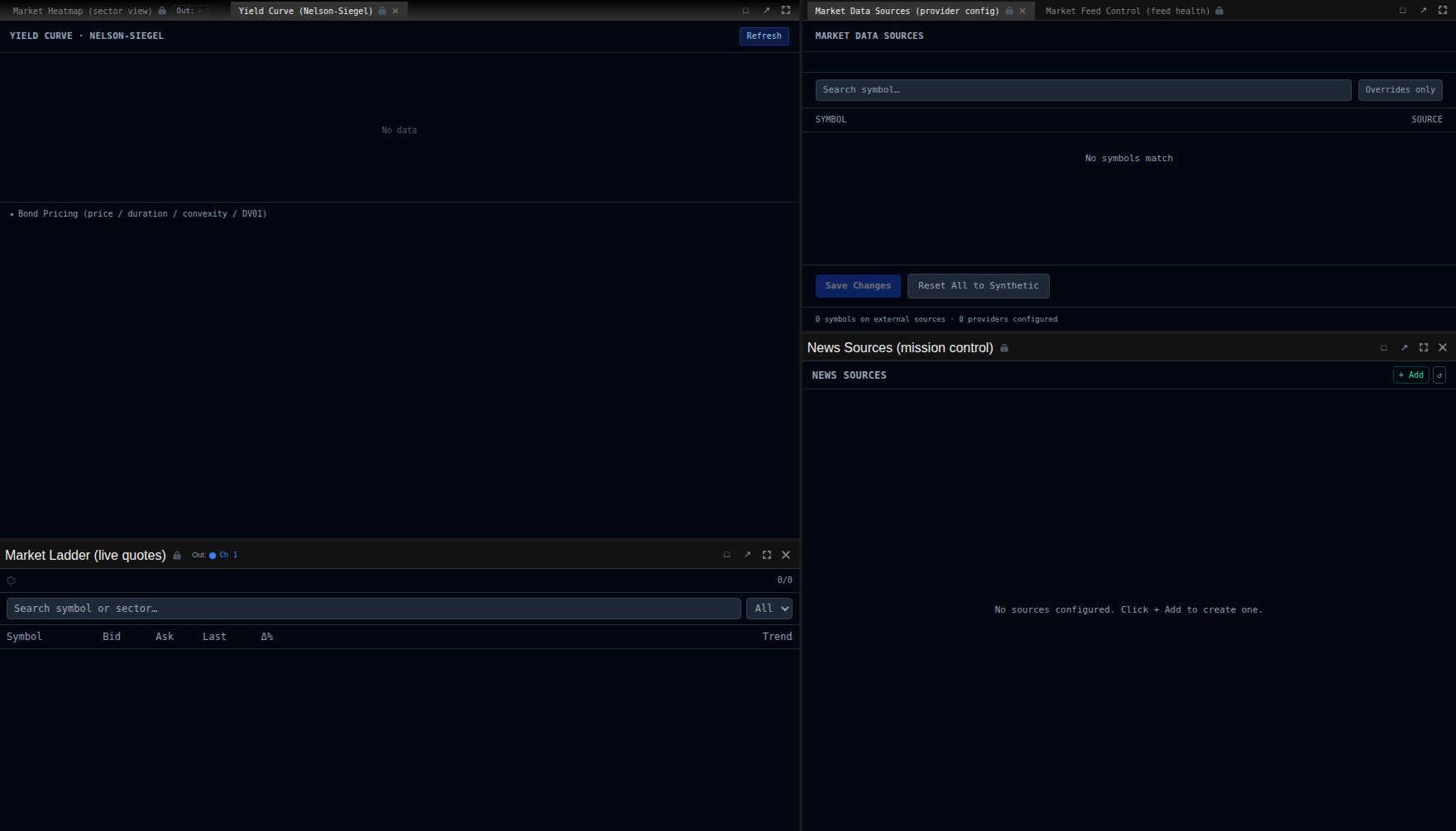
Section titled “Yield Curve”The Yield Curve panel shows a Nelson-Siegel interpolated spot yield curve with forward rates. It visualises the term structure from 3-month to 30-year maturities.
Spread Analysis
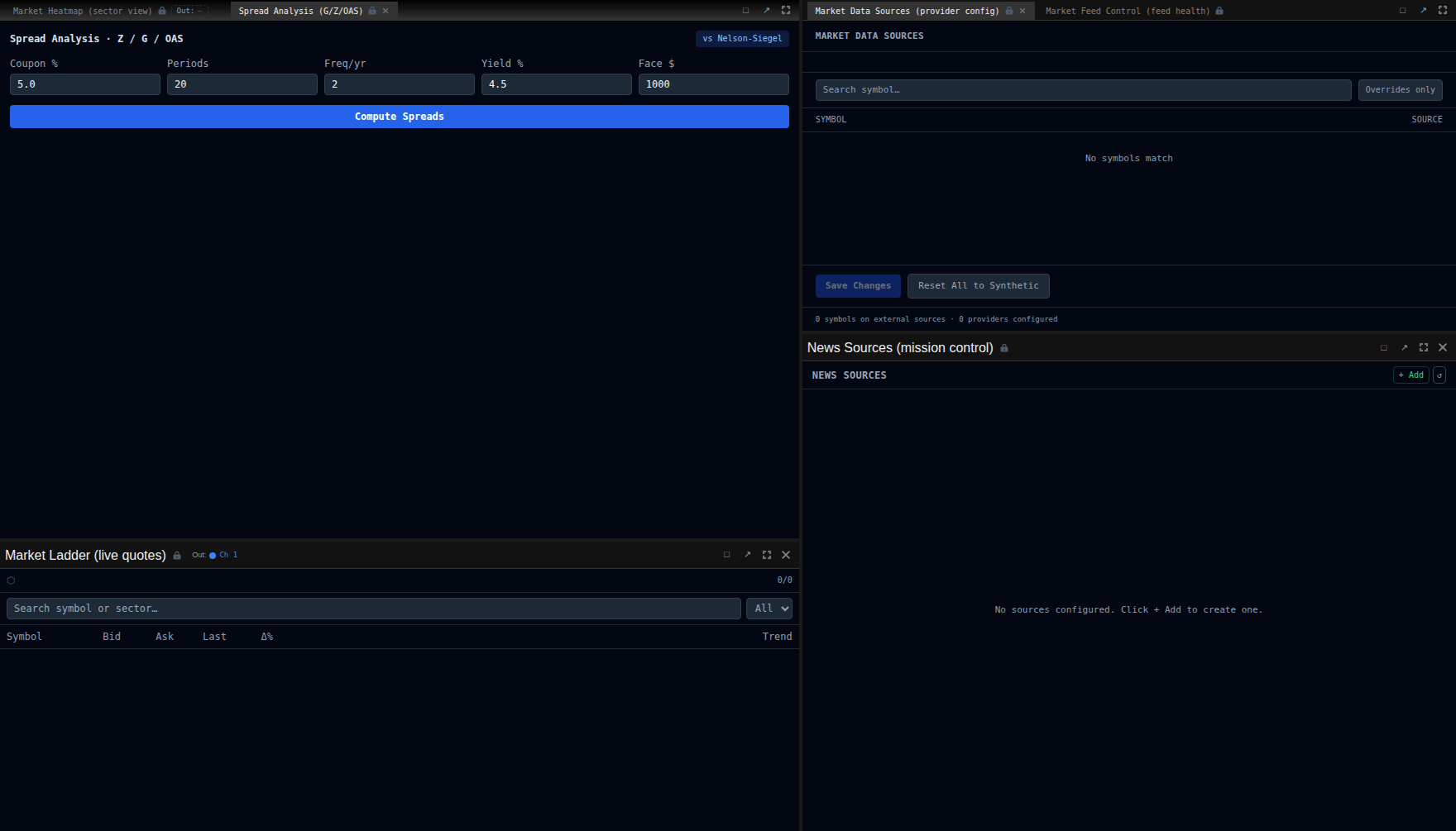
Section titled “Spread Analysis”Compute credit spreads for corporate bonds against the government curve:
| Spread | Description |
|---|---|
| G-Spread | Simple yield spread against the interpolated government curve |
| Z-Spread | Zero-volatility spread: constant spread over the spot curve that prices the bond |
| OAS | Option-Adjusted Spread: adjusts for any embedded optionality |
Click Compute Spreads to calculate all three metrics for the selected bond.
Duration Ladder
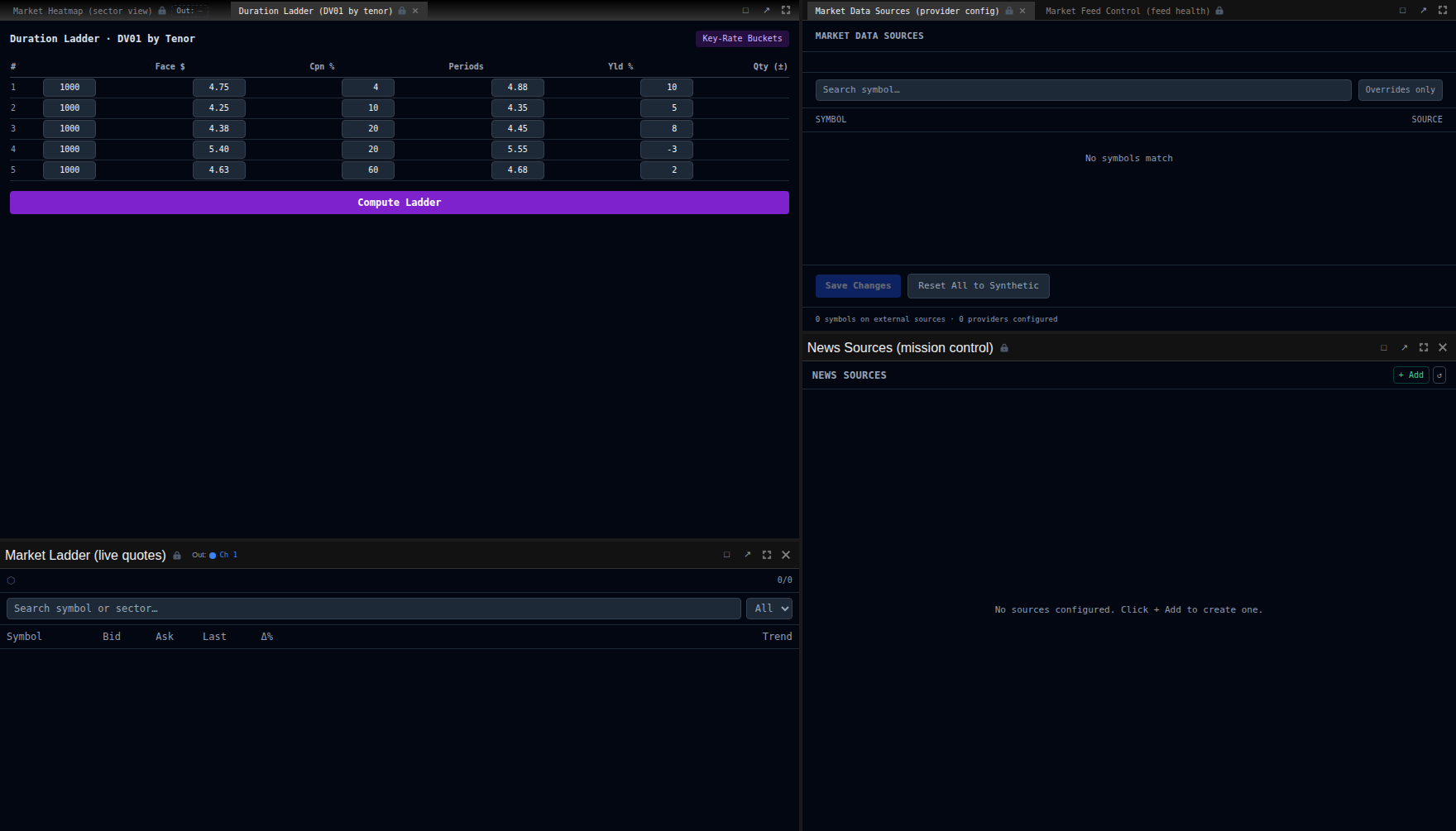
Section titled “Duration Ladder”The duration ladder shows DV01 key-rate attribution across tenor buckets:
- Portfolio DV01 summary at the top
- Stacked bar chart showing exposure by maturity bucket (1y, 2y, 3y, 5y, 7y, 10y, 20y, 30y)
- Useful for identifying interest rate risk concentrations
Vol Surface
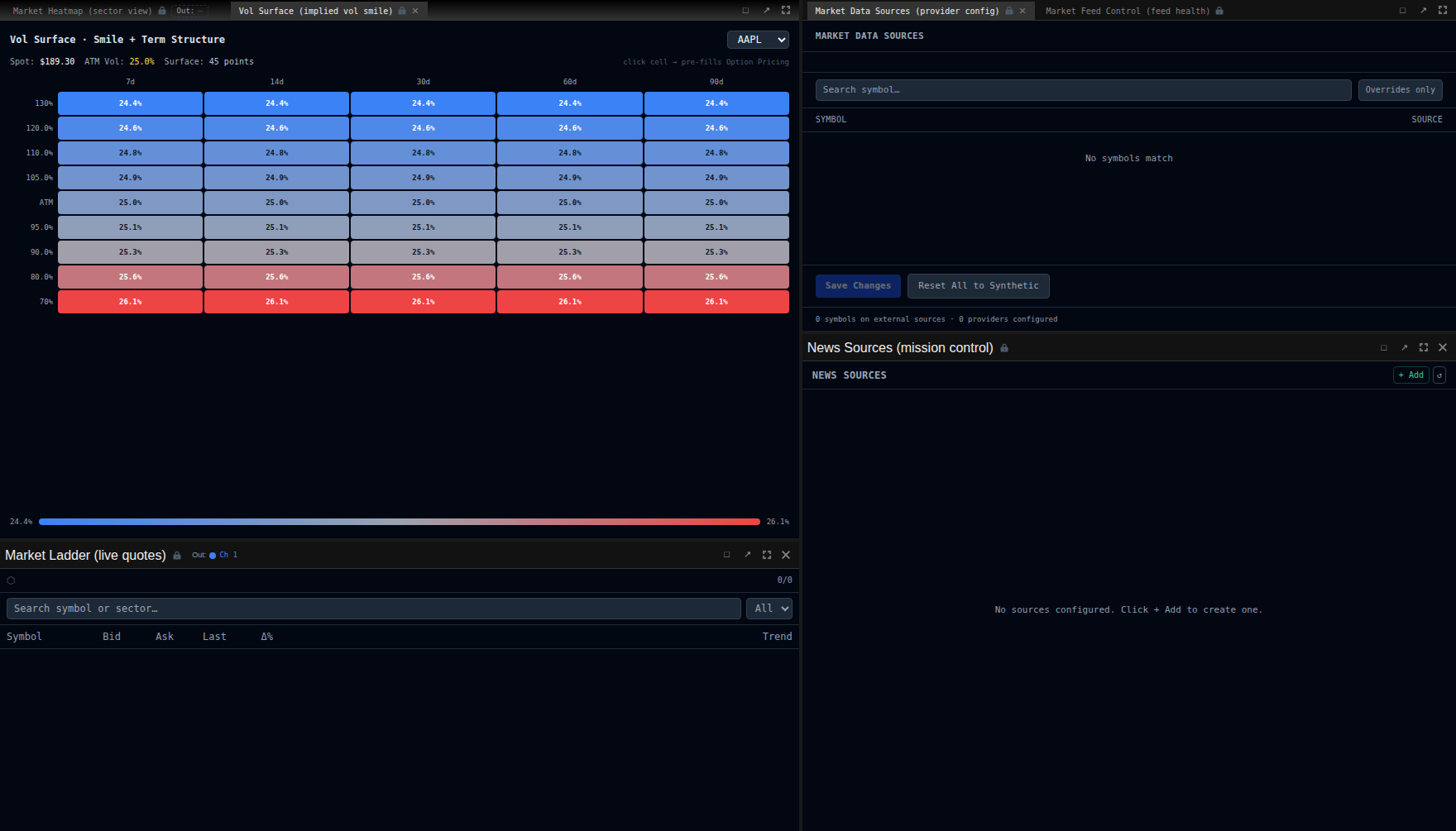
Section titled “Vol Surface”The Vol Surface panel displays an implied volatility heatmap:
- 5 expiries by 9 strikes (moneyness from 0.70 to 1.30)
- Click any cell to prefill the Option Pricing panel with that strike and expiry
- OTM puts show higher IV due to skew
- Darker colours indicate higher implied volatility
Bond Order Ticket
Section titled “Bond Order Ticket”Switch to the Bond tab in the order ticket to place FI orders:
- Select a bond from the dropdown.
- Enter a yield.
- Review the computed bond price (clean + accrued = dirty).
- Submit the order.