
Admin Tools
Admin users have access to additional tools for system management, user oversight, and compliance.
Mission Control
Section titled “Mission Control”The Mission Control workspace provides a unified operations view:
-
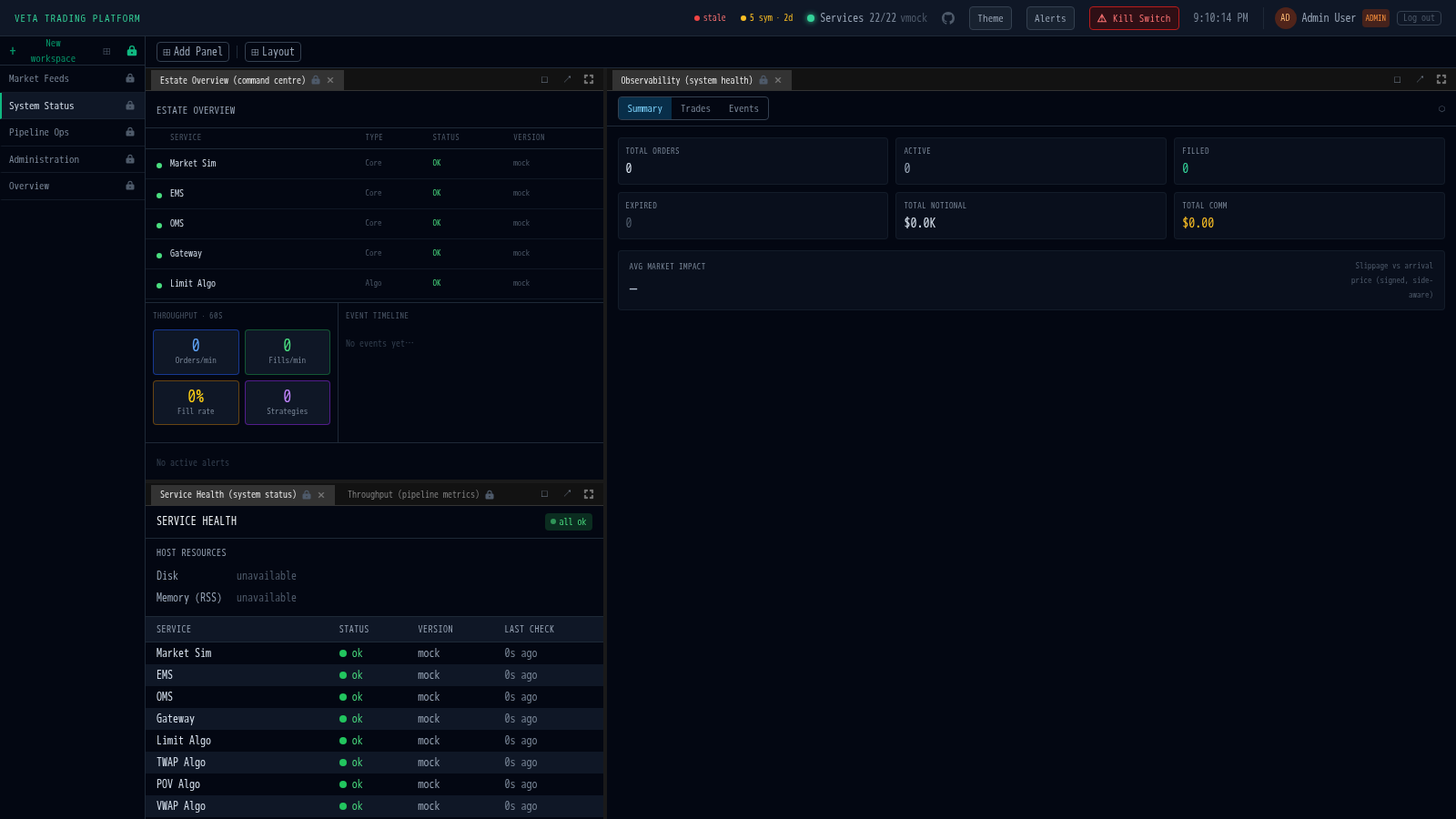
Estate Overview: live health grid for all 32 backend services with status, version, and event timeline. The same set drives the daily Discord summary — frontend grid and Discord rollup are always in sync.
-
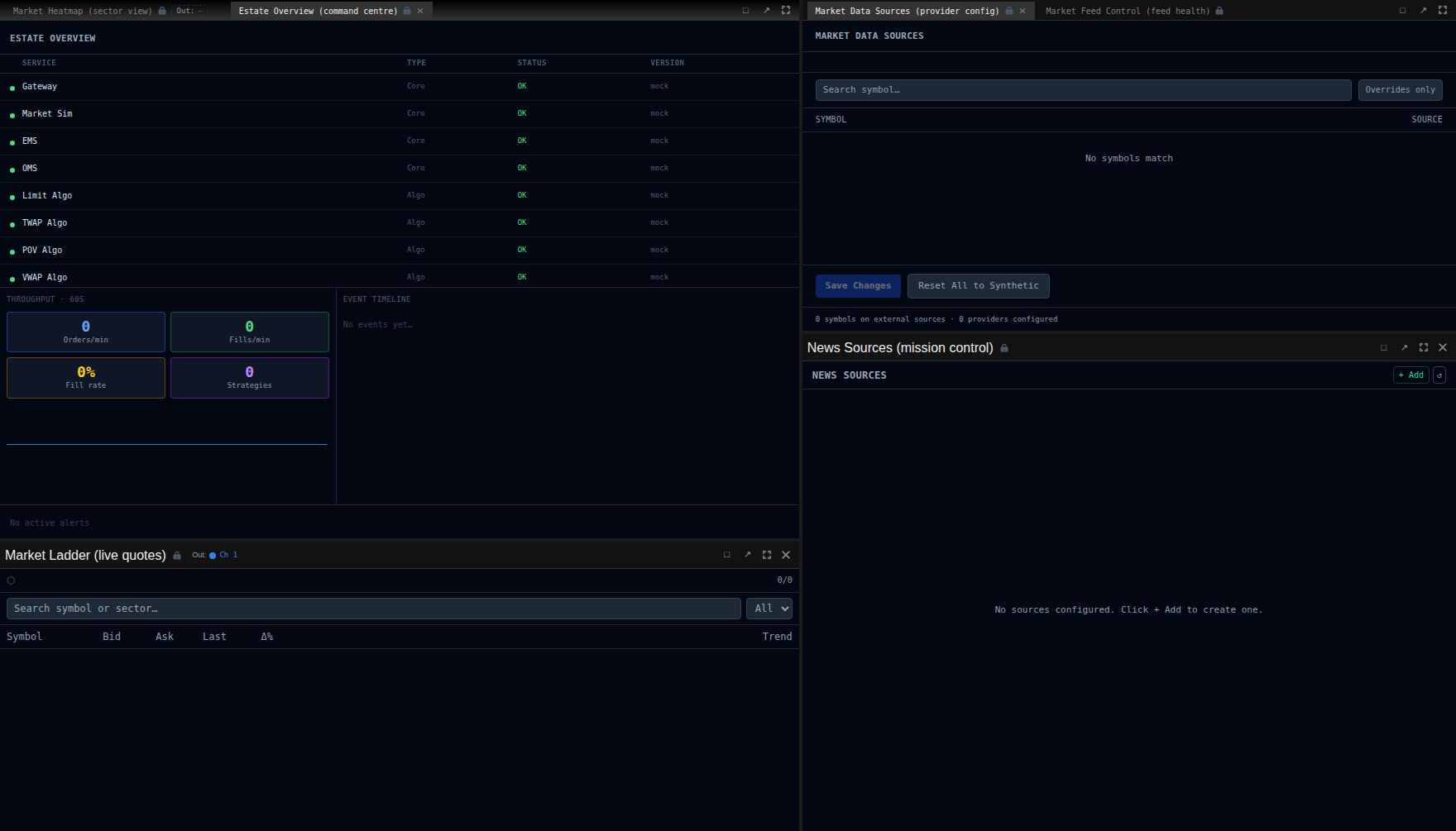
Throughput Gauges: orders/min, fills/min, and fill rate metrics
-
News Feed: live headlines with sentiment scoring
-
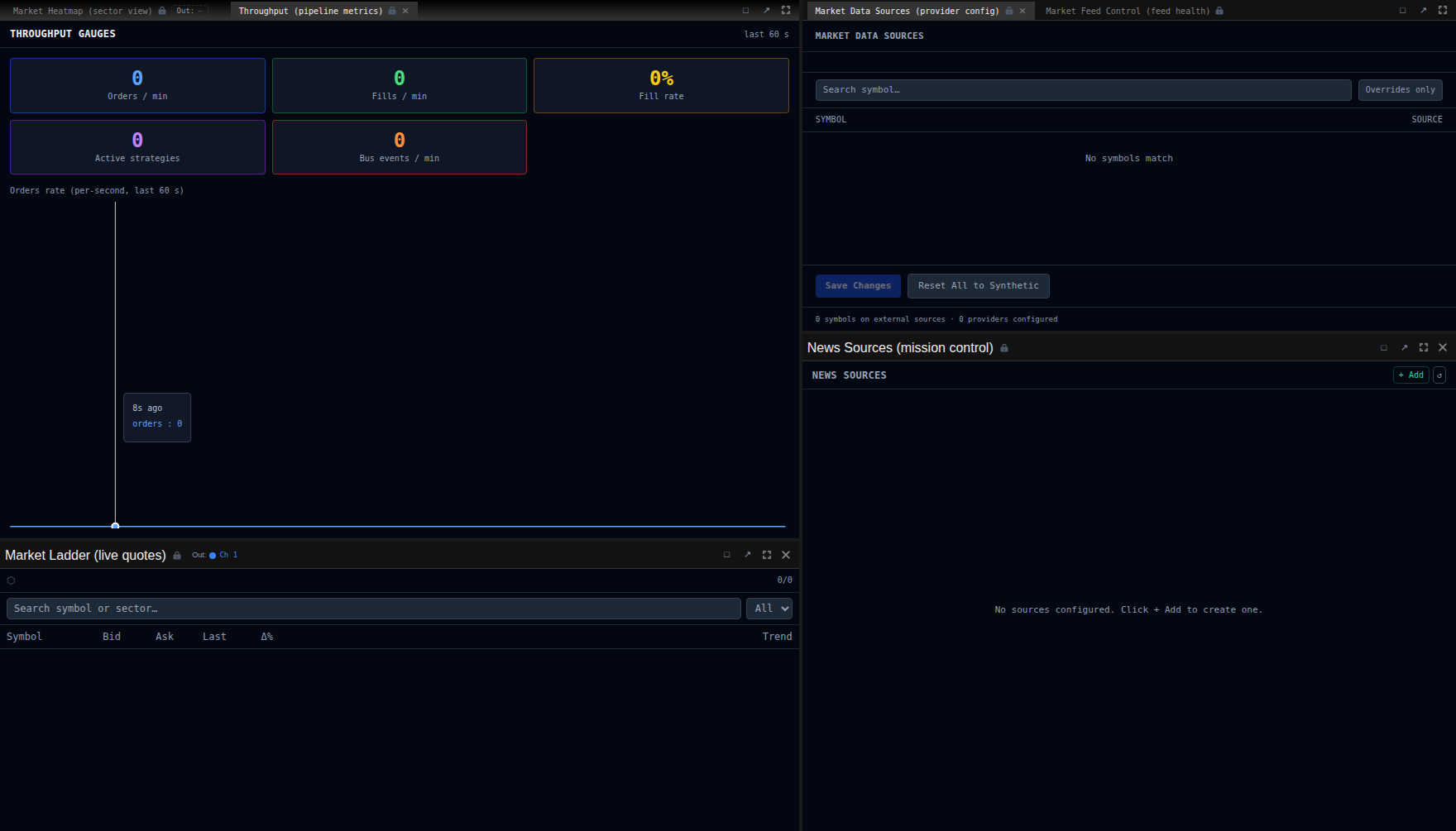
Market Data Sources: configure per-symbol data sources (synthetic or Alpha Vantage)
Session Replay
Section titled “Session Replay”Record and play back browser sessions for training, audit, and post-incident review.
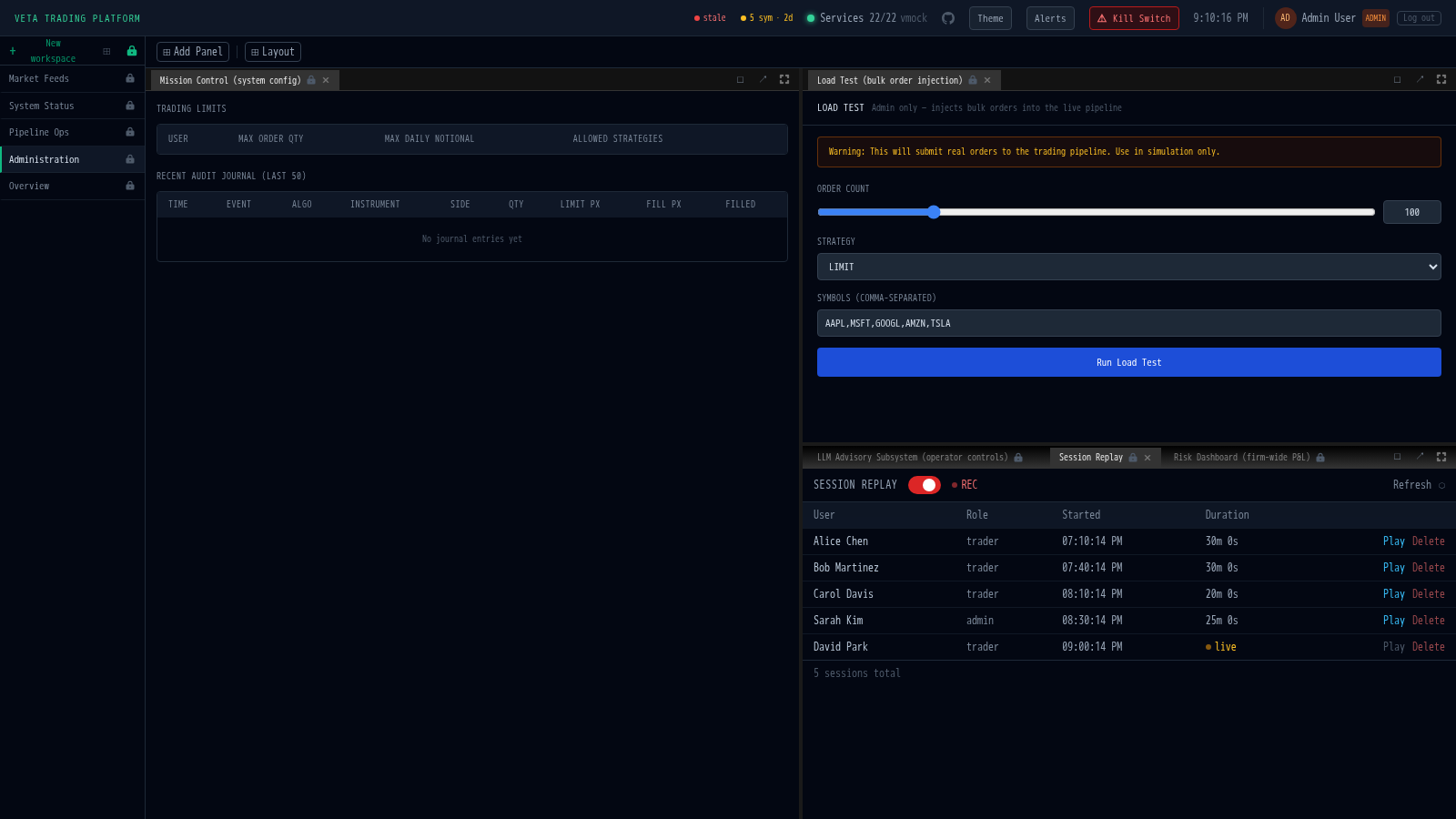
- Recording toggle: admin-controlled, affects all connected traders
- Session list: browse all recorded sessions by user, time, and duration
- Timeline playback: play, pause, and scrub through recorded sessions
- Uses rrweb for DOM-level recording
User Management
Section titled “User Management”The admin panel includes:
- Trading limits editor: set max order quantity, max daily notional, and allowed strategies per user
- Audit journal: chronological log of all trade lifecycle events with filters
Demo Day
Section titled “Demo Day”The Demo Day panel provides one-click trading scenarios for demonstrations:
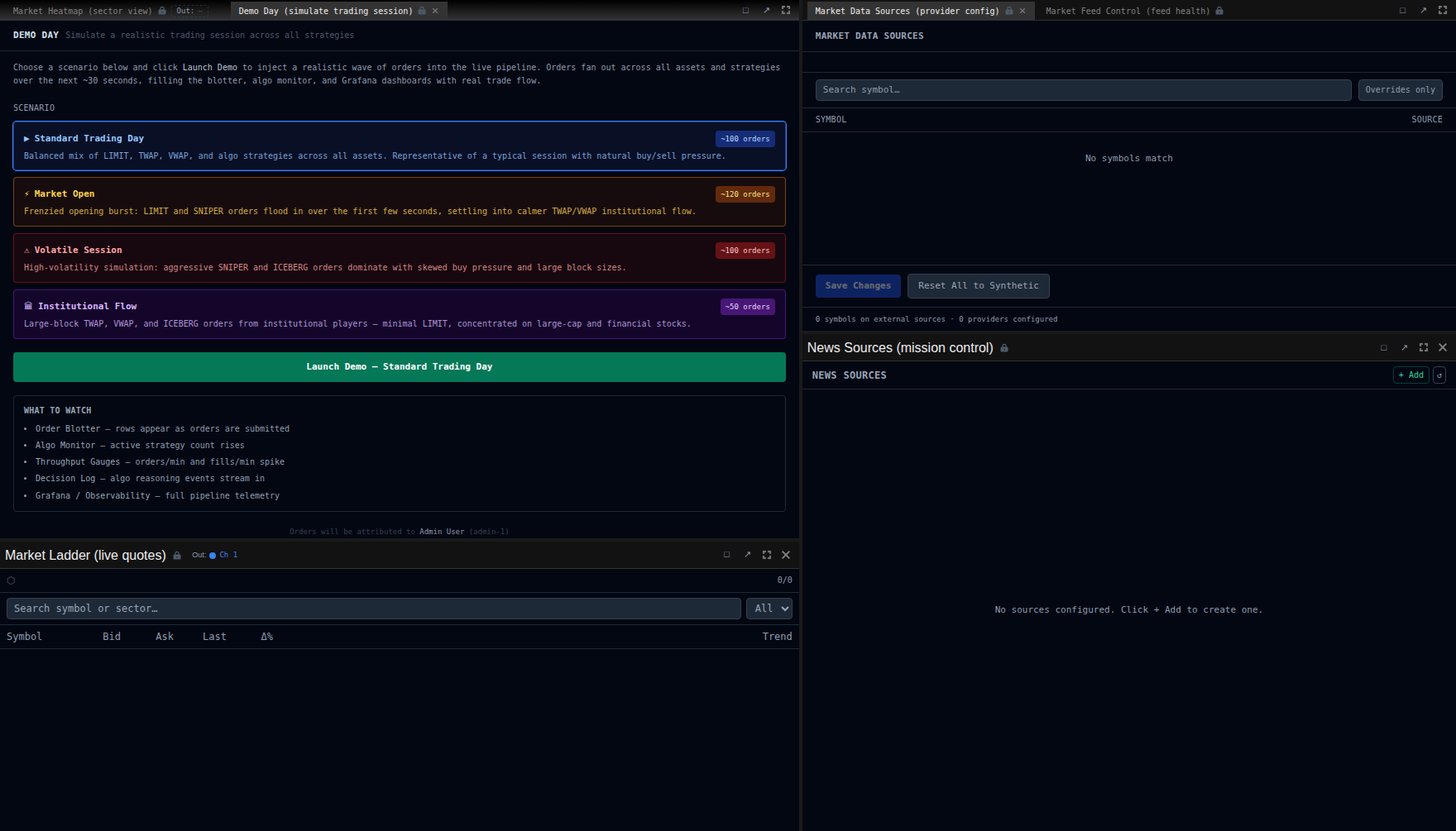
| Scenario | Description |
|---|---|
| Standard | Mixed LIMIT and TWAP orders across multiple assets |
| Market Open | High-volume burst simulating market open |
| Volatile | Rapid price moves with algo reactions |
| Institutional | Large block orders with ICEBERG and dark pool routing |
Upgrade Management
Section titled “Upgrade Management”Admins can signal a platform upgrade via the gateway API:
PUT /api/gateway/upgrade-status{ "inProgress": true, "message": "Scheduled maintenance until 18:00 UTC"}This displays an orange banner to all connected traders. Set inProgress: false to dismiss.