
Quick Start
Prerequisites
Section titled “Prerequisites”- Docker and VS Code (or JetBrains) with Dev Containers support
Dev Container
Section titled “Dev Container”- Clone the repository.
- Open in VS Code and select “Reopen in Container”.
- The MOTD lists the available commands.
- Run
cd frontend && npm run devfor the browser UI.
The dev container starts the full backend stack via docker compose up -d on attach. To restart it inside the container: docker compose --profile trading up -d. The frontend dev server proxies API calls to the gateway at port 5011 (dev container only; production traffic enters via Traefik).
Default credentials
Section titled “Default credentials”- Username:
alice(or any persona from the Demo Personas page) - Passcode:
veta-dev-passcode
The login page has a “Demo personas” panel. Click any card to sign in with one click.
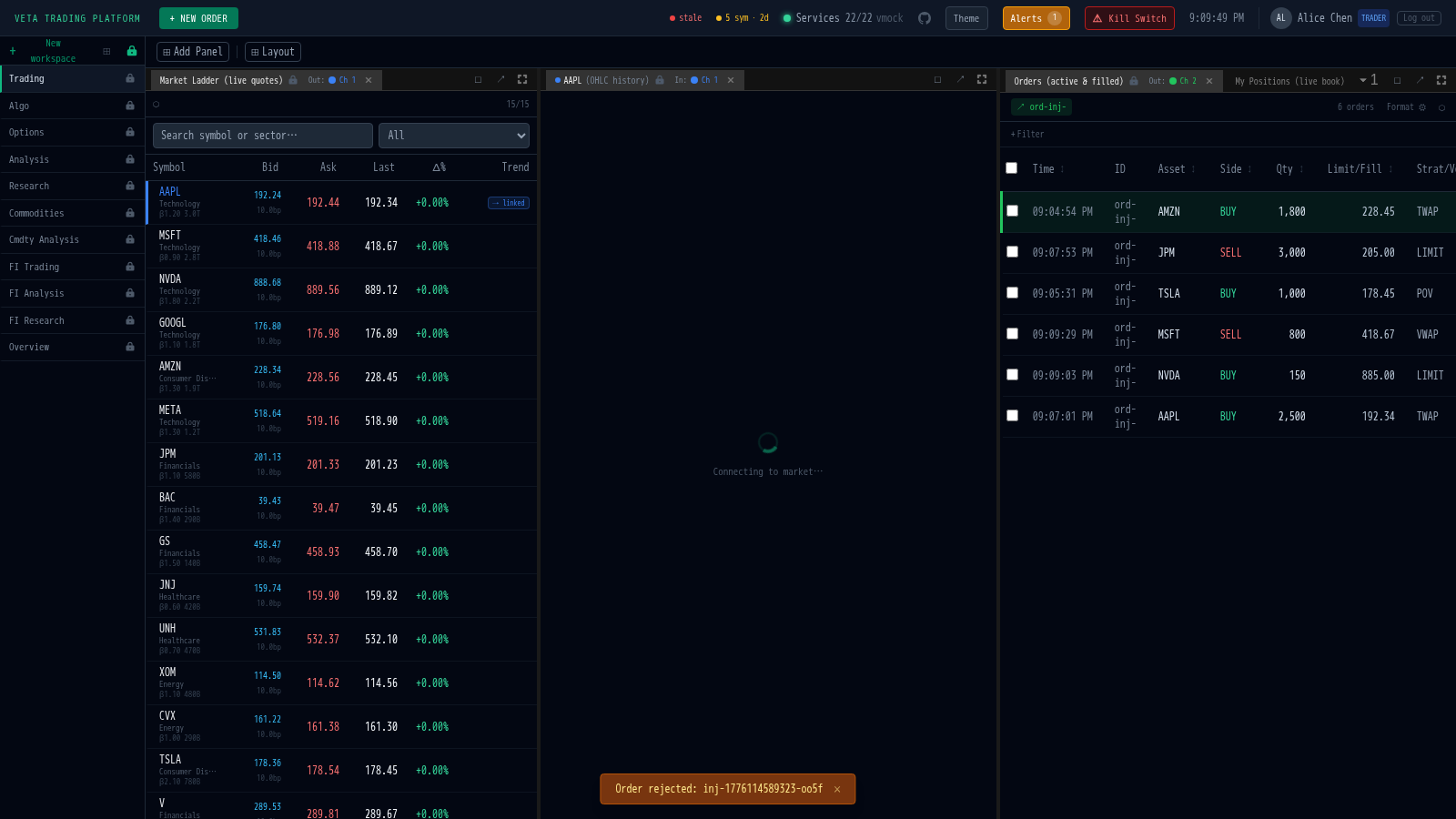
Once signed in, the default workspace looks like this:
Where it runs
Section titled “Where it runs”The canonical deployment is a server exposed to the public internet via a secure tunnel. The app lives at https://veta.mnetcs.com/ and the dashboards at https://veta.mnetcs.com/grafana/. To try it locally, follow the overview.