Risk Controls
VETA enforces real-time risk controls at every stage of the order lifecycle.
Pre-trade risk engine
Section titled “Pre-trade risk engine”Every order passes through the risk engine before reaching the market. Six checks run in parallel:
| Check | Description |
|---|---|
| Fat-finger collar | Rejects orders where the limit price deviates more than 5% from the current market price |
| Duplicate detection | Blocks identical orders submitted within 500 ms |
| Self-cross prevention | Prevents a trader from holding both a buy and a sell order on the same instrument |
| Rate limiting | Caps order submission rate per trader (default: 10/sec) |
| ADV check | Rejects single orders exceeding 10% of average daily volume |
| Max open orders | Limits the number of concurrent active orders per trader |
If the risk engine is unavailable, orders are blocked, not bypassed (hard-fail on outage).
Trading limits
Section titled “Trading limits”Each trader has personal limits enforced by the order ticket:
- Max order quantity: the largest single order allowed (e.g. 10,000 shares)
- Max daily notional: the total notional value allowed per day (e.g. $1,000,000)
- Allowed strategies: which algo strategies the trader can use
Limit violations show amber warnings in the order ticket and prevent submission.
Kill Switch
Section titled “Kill Switch”The kill switch allows traders and administrators to halt trading activity immediately.
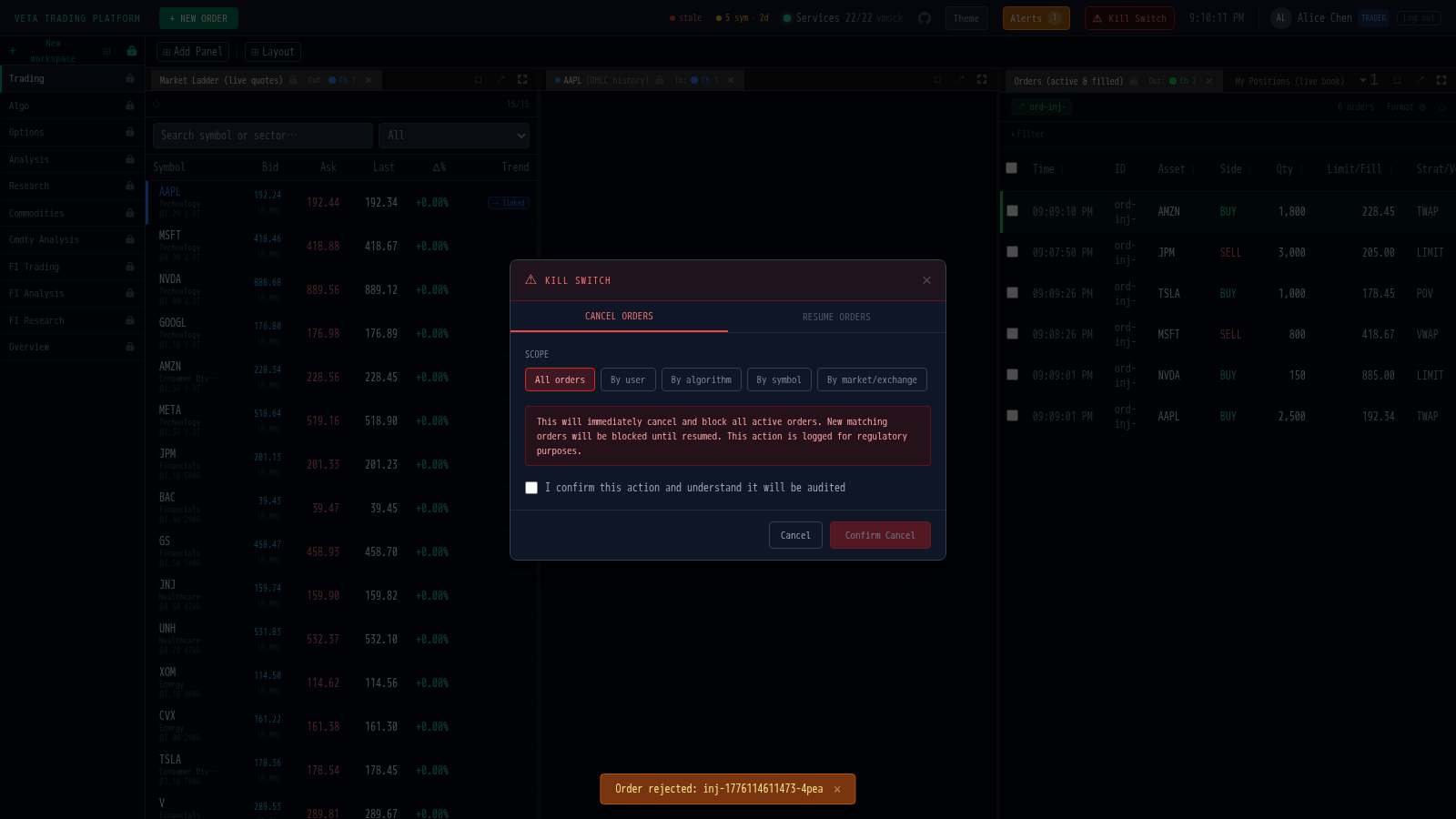
- Traders can kill their own orders.
- Admins can kill all orders firm-wide.
- Scope options: all orders, specific symbol, specific strategy, or specific user.
The kill switch broadcasts to all connected clients and cancels active orders on the bus.
Risk Dashboard
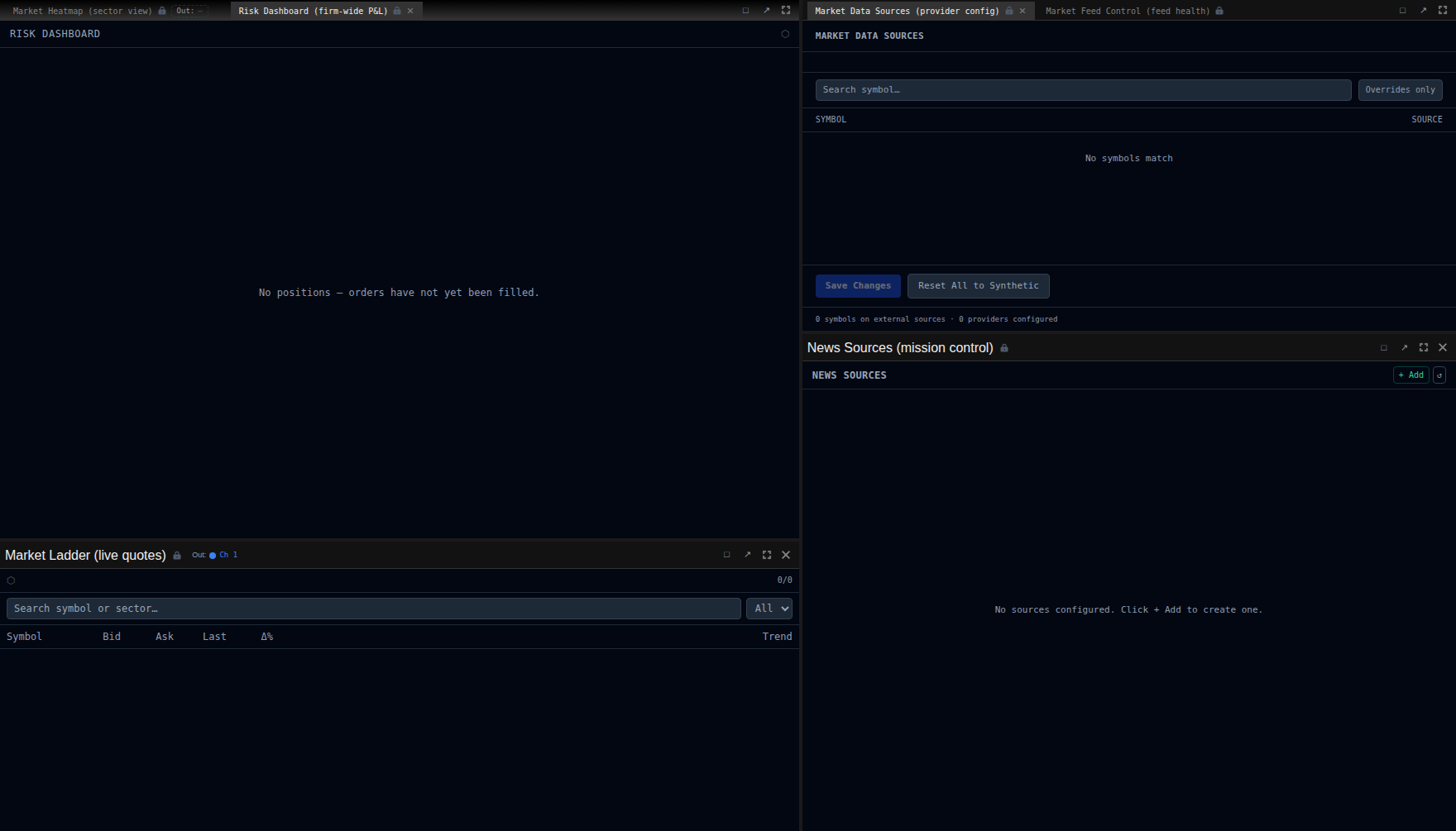
Section titled “Risk Dashboard”The Risk Dashboard panel (available to desk-heads, risk-managers, and admins) shows a firm-wide view of all positions:
- Every trader’s book with gross and net exposure
- Unrealised and realised P&L per position
- Total firm P&L aggregated across all traders
My Positions
Section titled “My Positions”Individual traders see the My Positions panel with their own open positions, live mark-to-market P&L, average fill price, and number of fills.