
Finding Instruments
The Symbol Search Bar is the primary way to find and select instruments on the platform. It supports multiple identifier formats used across the trading industry.
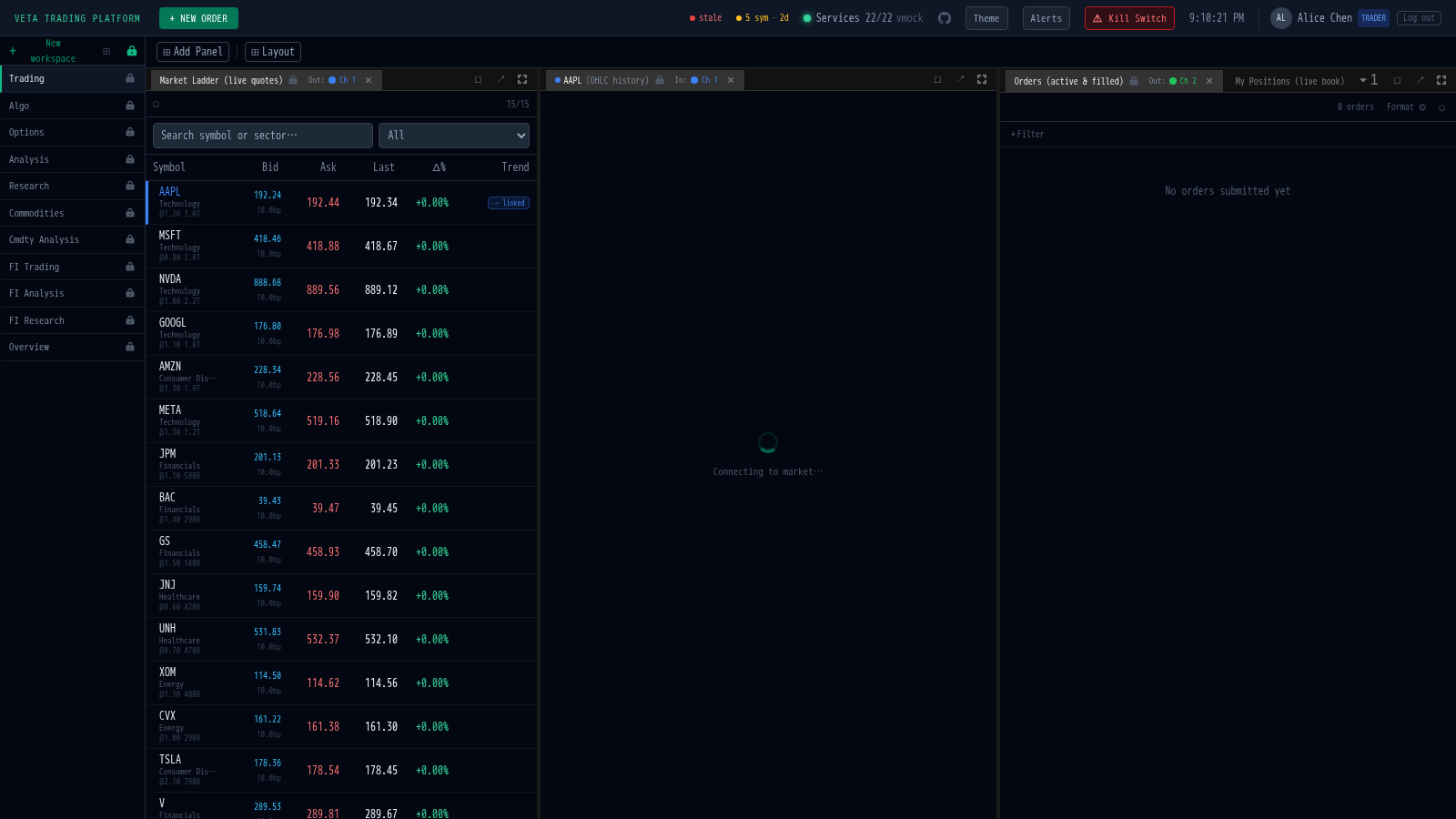
Opening the search
Section titled “Opening the search”- Click the search bar in the Symbol Search panel
- Press Ctrl+/ (or Cmd+/ on macOS) from anywhere in the platform
Searching by identifier
Section titled “Searching by identifier”Type any of the following and the search bar will match instantly:
| Format | Example | Description |
|---|---|---|
| Symbol | AAPL | Exchange ticker symbol |
| Company name | Apple | Full or partial company name |
| RIC | AAPL.OQ | Reuters Instrument Code |
| Bloomberg | AAPL US Equity | Bloomberg terminal identifier |
| ISIN | US0378331005 | International Securities Identification Number |
| Sector | Technology | All instruments in a sector |
| Exchange | XNAS | All instruments on an exchange |
Results appear as you type, showing the symbol, name, exchange, RIC, and live price.
Selecting an instrument
Section titled “Selecting an instrument”- Click a result or press Enter to select
- Arrow keys navigate the result list
- Escape clears the search
Selecting an instrument broadcasts it to all linked panels (market ladder, charts, order ticket).
Pasting a Bloomberg trade
Section titled “Pasting a Bloomberg trade”You can paste a trade instruction directly into the search bar. The platform parses common Bloomberg-style formats:
BUY 5000 AAPL US Equity @ 185.50 TWAPSELL 200 MSFT @ 420 LIMITBUY 10000 NVDA VWAPWhen a trade is detected, a green preview bar appears showing the parsed fields. Click Apply to populate the order ticket with the symbol, side, and strategy.
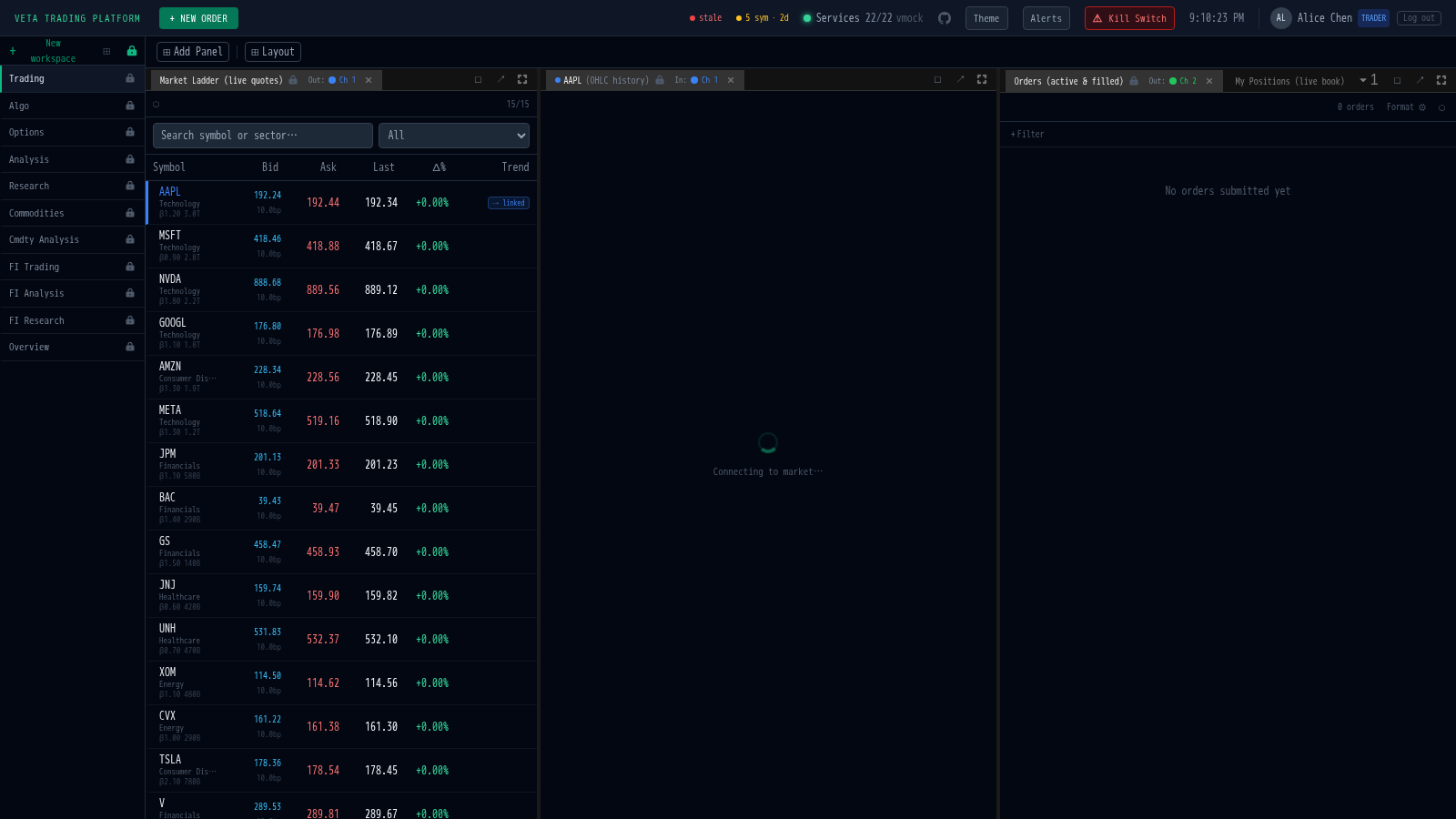
Supported fields in trade paste
Section titled “Supported fields in trade paste”| Field | Detection | Example |
|---|---|---|
| Side | BUY or SELL keyword | BUY |
| Quantity | Number followed by optional shares/lots | 5000, 5,000 shares |
| Symbol | Any known symbol, BBG ticker, RIC, or ISIN | AAPL US Equity |
| Price | Number after @ | @ 185.50 |
| Strategy | Strategy name keyword | TWAP, VWAP, LIMIT |